Setup guide
How do you watch IPTV on a Windows PC or a Mac?
By the IPTVB team · Last reviewed:
- About 5 minutes
- Easy
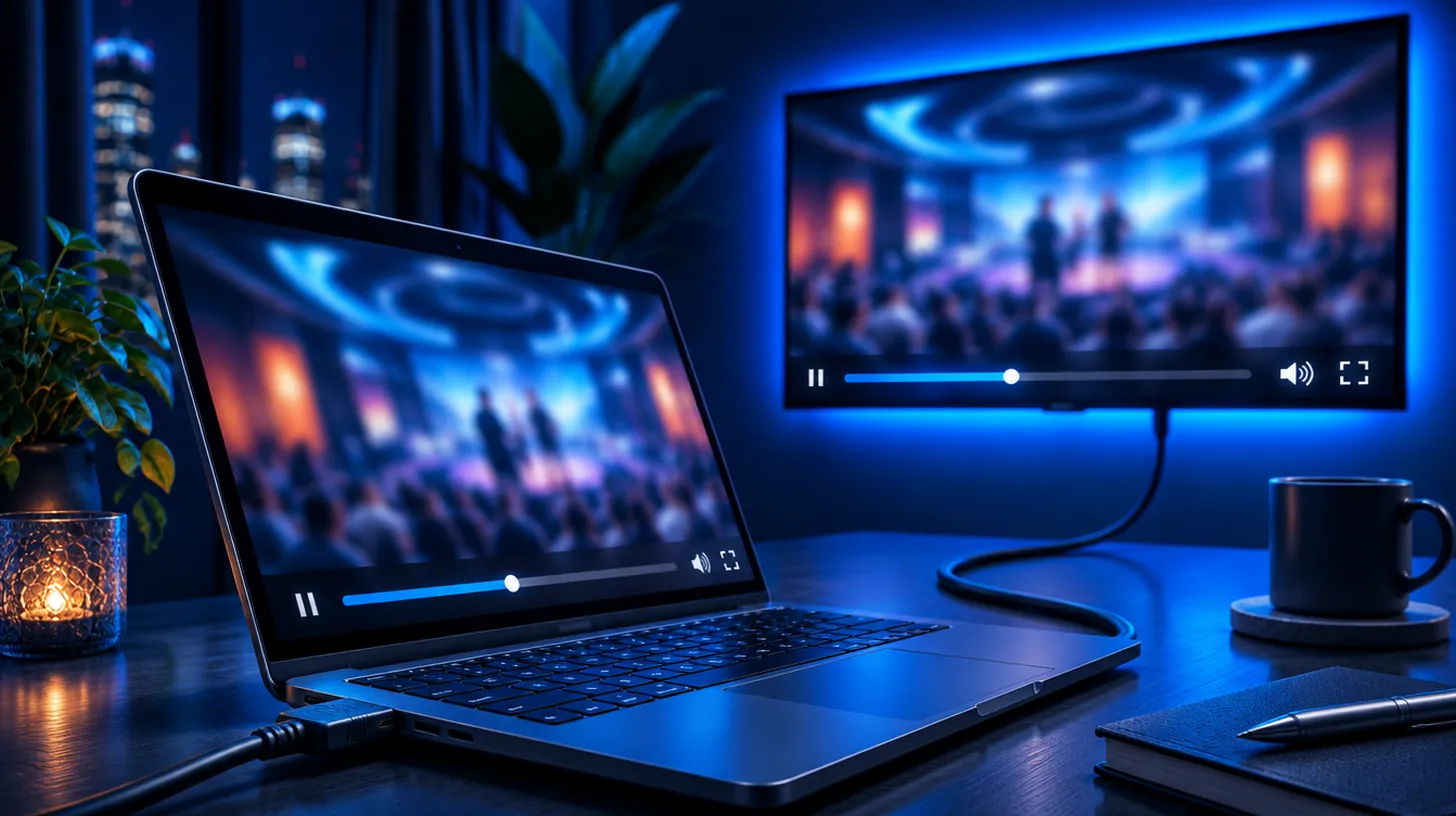
On a computer you have two good options. IPTV Smarters for Windows or macOS takes your Xtream Codes login and shows a full guide. Free VLC plays your M3U link through Media › Open Network Stream. Either takes about 5 minutes, and an HDMI cable puts the picture on your TV.
At a glance
| Systems | Windows 10 and 11, macOS |
|---|---|
| Player apps | IPTV Smarters (Windows, macOS); VLC (free, M3U link); MyIPTV Player (Windows) |
| Login type | Xtream Codes in IPTV Smarters, M3U link in VLC |
| Setup time | About 5 minutes |
| On the TV | An HDMI cable from the computer to the TV |
Which player should you use on a computer?
IPTV Smarters is the everyday choice: live TV, movies, series and a program guide in one window. VLC, from the VideoLAN project, is free and opens your M3U link in seconds, but shows a plain list without a guide, so it works best as a backup. More options are on IPTV apps.
How do you get the laptop picture on the TV?
Most laptops have an HDMI port, or USB-C with an HDMI adapter. Plug in the cable, switch the TV to that input, and choose Duplicate or Second screen. If the sound still comes from the laptop, pick the TV as the output in your sound settings.
What if IPTV doesn’t work on a PC or Mac?
| What you see | Usual reason | What to try |
|---|---|---|
| VLC plays but shows no list | The playlist panel is hidden | View › Playlist (Ctrl+L on Windows) |
| Windows won’t open the installer | SmartScreen warns about downloaded apps | Only download from the developer’s own site, then More info › Run anyway |
| Stutters on a laptop | Battery saver or crowded Wi-Fi | Plug in the charger, close other apps, use a cable or 5 GHz |
| TV shows the picture but no sound | Audio still goes to the laptop speakers | Choose the TV as the sound output |
Which 4 steps set up IPTV on a PC or Mac?
- Get IPTV Smarters for Windows or macOS from its developer’s website, or VLC from videolan.org.
- In IPTV Smarters choose Login with Xtream Codes API; in VLC choose Media › Open Network Stream (File › Open Network on a Mac).
- Fill in the login from your IPTVB message, or paste the M3U link into VLC.
- Open a channel or title and go full screen (F key or double-click).
What else do people ask about IPTV on a PC or Mac?
Can I watch IPTV on a laptop?
Yes: IPTV Smarters with your Xtream Codes login, or VLC with your M3U link.
Is VLC enough for IPTV?
For playing channels from an M3U link, yes, and it’s free. It has no program guide, so IPTV Smarters is nicer for daily use.
Does IPTV play in Chrome or Safari?
Most IPTV streams don’t play directly in a browser. Use a player app such as IPTV Smarters or VLC.
What’s the easiest way to watch on the TV?
An HDMI cable from the computer works today; a streaming stick or a smart TV app is simpler for every day.
Sources: Open Media: Open Network Stream – VideoLAN Wiki, Netflix-recommended internet speeds – Netflix Help Center for the speed figures. Menu names can change after software updates; if a label differs, pick the closest one or ask our support team.
Keep reading
Drop the cable bill, keep the TV you love
Try IPTVB free for 24 hours, or pick a plan today. Your login arrives by email or WhatsApp.