IPTV boxes and devices
Do you need an IPTV box, and which one should you buy?
By the IPTVB team · Last reviewed:
Most US homes don’t need an IPTV box: a recent smart TV, a Fire OS Fire TV Stick or an Apple TV runs a player app on its own. A box earns its place when the TV is older or is a Roku TV, when you want an Ethernet port for a steadier picture, or when someone prefers a single simple remote. A certified Google TV or Android TV device is the safest pick.
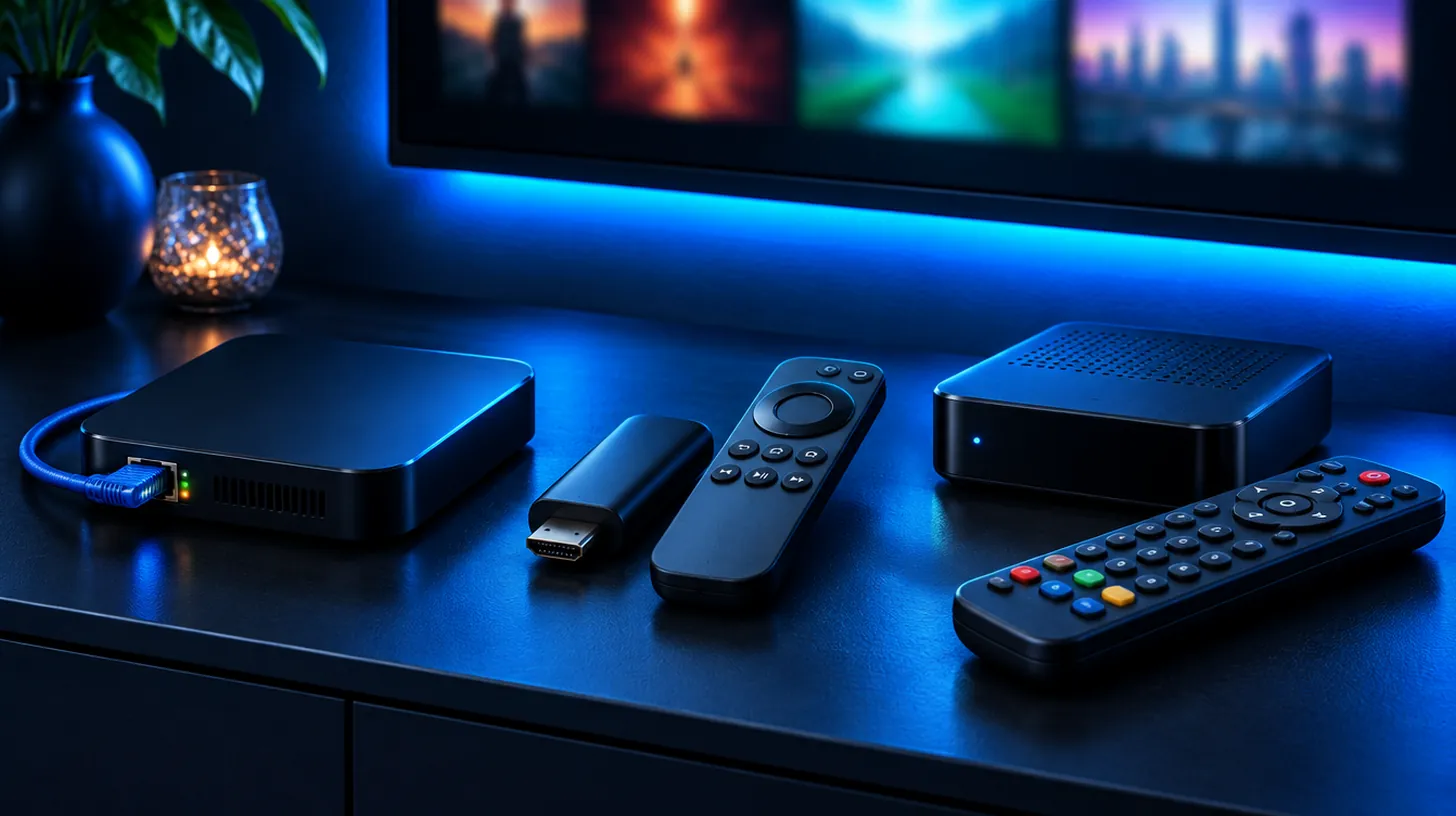
IPTV box at a glance
| Do you need one? | Not if your TV or stick can install a player app |
|---|---|
| Easiest add-on | A Fire OS Fire TV Stick in any HDMI port |
| Steadiest picture | A Google TV or Android TV box with Ethernet |
| Simplest remote | MAG or Formuler boxes built for IPTV |
| Avoid | “Fully loaded” boxes sold with free channels, and Vega OS Fire TV sticks |
| Apps | See IPTV apps |
When is an IPTV box worth buying?
If your TV has an app store, or you already own a Fire OS stick, Google TV or Apple TV, install an IPTV app and skip the box. Buy one when the TV can’t install apps, when it’s a Roku TV (Roku doesn’t run the players we support; see the Roku guide), when Wi-Fi is weak and you want a cable, or when the viewer wants one simple remote.
What makes a good Android or Google TV box?
Choose a Google-certified Android TV or Google TV device from a known brand: it receives updates, has Google Play and installs TiviMate or IPTV Smarters Pro in a minute. An Ethernet port and 4K output are worth paying for. No-name boxes with unofficial Android builds tend to lag, stop updating and can ship with unsafe apps.
Which Fire TV sticks should you skip?
Since 2025, some Fire TV sticks run Amazon’s Vega OS, which only installs Appstore apps, so IPTV players can’t be added. AFTVnews lists the Fire TV Stick 4K Select and the 2026 Fire TV Stick 4K (3rd gen) and Fire TV Stick HD (2nd gen) among them; check the full list in our Fire TV guide.
What are MAG and Formuler boxes?
A MAG box has no apps: we register its MAC address and the channels appear in its built-in portal, much like a cable box, which is why older viewers like it. Formuler makes Android-based boxes designed around IPTV, with their own guide app and a cable-style remote, for people who want a dedicated device but still want Android apps.
Which boxes should you stay away from?
Skip any box marketed as “fully loaded” or “jailbroken” with free channels, movies and sports preinstalled. Those services stream without the rights; under the Protecting Lawful Streaming Act of 2020, running such a service for profit can be a felony, and the boxes often carry security risks. Buy a regular device and pair it with a service you pay for.
Should the box use Wi-Fi or a cable?
A cable wins every time, especially in apartment buildings and basements. If the router is far away, a mesh unit or powerline adapters bridge the gap; see Wi-Fi or Ethernet and the speeds in HD, Full HD or 4K.
Smart TV, stick or box: which fits your home?
| Option | Best for | Ethernet | Player |
|---|---|---|---|
| Smart TV app (Samsung, LG) | TVs from the last few years, nothing to add | Built into the TV | IBO Player, see the Samsung guide |
| Fire TV Stick (Fire OS) | Any TV with HDMI, quickest setup | With Amazon’s adapter | TiviMate or IPTV Smarters Pro, see the Fire TV guide |
| Google TV or Android TV box | Big screens, 4K, a steady picture | Usually built in | TiviMate or IPTV Smarters Pro |
| Apple TV 4K | Homes already on Apple | On the Wi-Fi + Ethernet model | IPTV Smarters |
| MAG box | A cable-box feel for parents and grandparents | Yes | Built-in portal we set up |
| Formuler box | A dedicated IPTV box with its own guide app | Yes | Formuler’s own player |
How do you set up an IPTV box?
- Connect the box to the TV with HDMI and, if possible, to the router with an Ethernet cable.
- Sign in and install our recommended player from the box’s official store.
- Enter your IPTVB login, or send us the MAC address for a MAG box.
- Judge the picture during your busiest evening hours with the free 24-hour trial.
What should you check before buying a box?
- Whether your TV can already install a player app.
- That the box is Google-certified, or a Fire OS (not Vega OS) Fire TV device.
- An Ethernet port, if your Wi-Fi is weak.
- No “free channels included” claims on the box or listing.
- Our advice on your TV model, which is free.
What else do people ask about IPTV boxes?
What is an IPTV box?
A small set-top box that connects to your TV by HDMI and runs IPTV player apps, like a Google TV or Android TV box, or a MAG box with a built-in portal. You still need an IPTV subscription to watch.
Is a box required for IPTV?
No. A recent smart TV, a Fire OS stick, Google TV, Apple TV, a phone or a computer runs a player app. A box is optional.
What’s the best IPTV box?
For most homes, a Google-certified Google TV or Android TV box with Ethernet, or a Fire OS Fire TV Stick for the simplest setup. MAG and Formuler suit people who want a cable-style remote.
Fire TV Stick or a box?
The stick is the cheapest and easiest way to add IPTV to any TV; a box with Ethernet is steadier on weak Wi-Fi and big 4K screens.
Is a MAG box worth it?
Yes, if someone at home wants the simplest remote and a cable-like guide. Otherwise an app on the TV or a stick does the same job.
Is an IPTV box legal in the USA?
Yes, a box is just hardware. What can break the law is a “fully loaded” box sold with free channels streamed without the rights, which is also a security risk. Use a regular device with a service you pay for.
Does IPTVB sell boxes?
No. IPTVB runs on devices you already own, and our support will help you choose one if you need it.
How do I connect an IPTV box to my TV?
Plug the box into a free HDMI port and into power, select that HDMI input on the TV, connect the box to Wi-Fi or, better, Ethernet, then install the player app and sign in.
Sources: Protecting Lawful Streaming Act of 2020 – USPTO, These are the Fire TVs that don’t support sideloading or Downloader – AFTVnews, and Netflix-recommended internet speeds – Netflix Help Center for comparison.
Keep reading
On your favorite devices
Which devices can I use IPTV on?
Almost any screen: Firestick, Android TV, Apple TV, iPhone and iPad, Samsung, LG and Hisense smart TVs, MAG boxes and computers. On a Roku TV, plug in a Fire TV or Google TV stick. Choose your device for the setup steps.


Works with the player apps you already know
- IPTV Smarters Pro
- TiviMate
- IBO Player
- GSE Smart IPTV
- VLC
Compare IPTV apps · App names belong to their owners. IPTVB isn’t affiliated with them.
Drop the cable bill, keep the TV you love
Try IPTVB free for 24 hours, or pick a plan today. Your login arrives by email or WhatsApp.