Setup guide
How do you set up IPTV on a MAG box?
By the IPTVB team · Last reviewed:
- About 10 minutes
- Easy, with support’s help
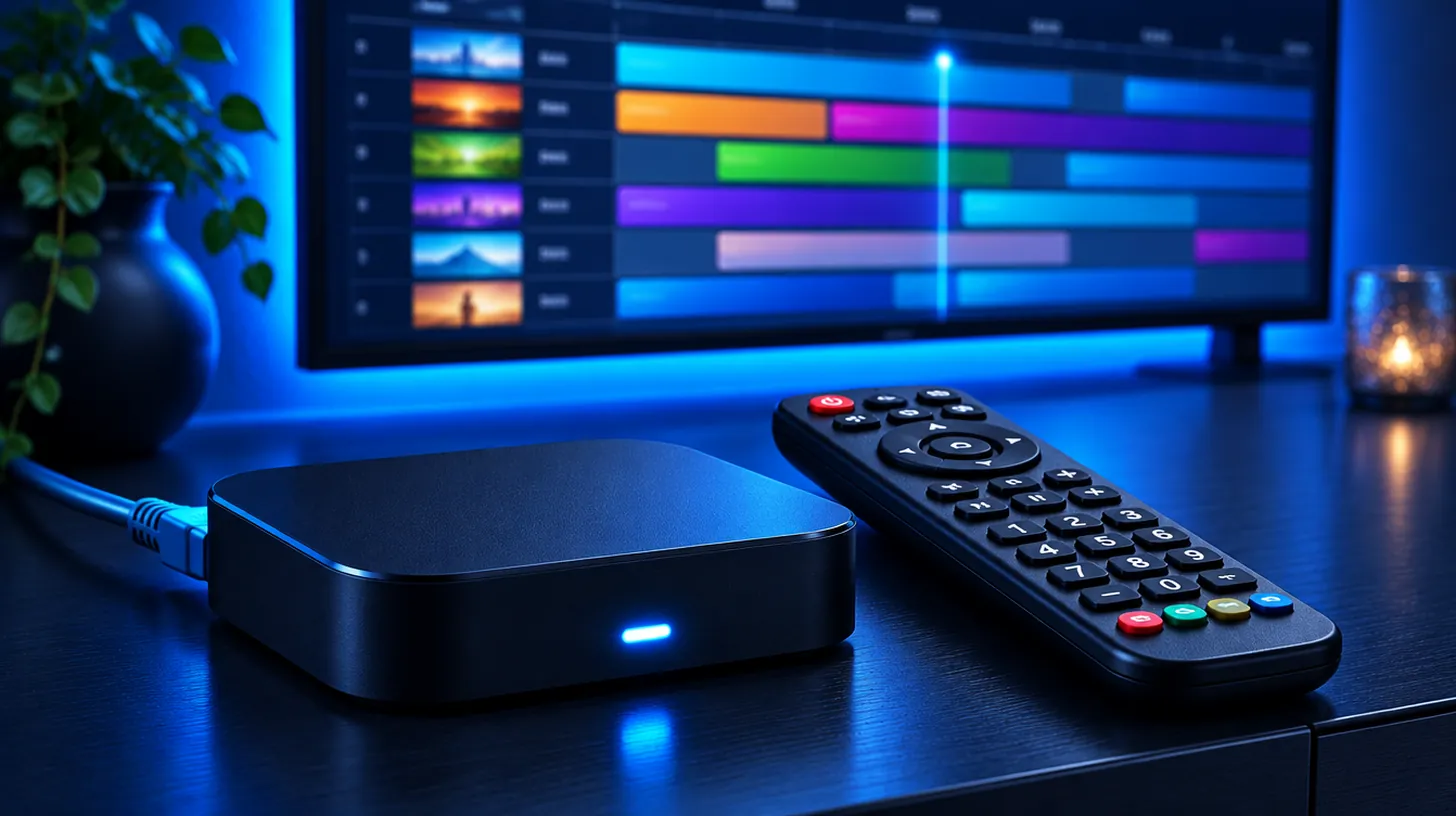
A MAG box needs no app: it loads IPTV through a portal. Send IPTVB the MAC address printed under the box, then on the remote open Settings › System settings › Servers › Portals, type the portal URL we give you, and restart the portal. The channel guide appears on its own, much like a cable box.
At a glance
| Models | MAG 322, 324, 424, 524 and similar Infomir boxes |
|---|---|
| App | None: a built-in portal |
| Login type | MAC address (begins 00:1A:79) + portal URL |
| Setup time | About 10 minutes after we register your box |
| Good for | Viewers who want one remote and a familiar guide |
Register the MAC address with IPTVB first: the portal only opens on a box that is linked to your account.
Who is a MAG box best for?
A MAG box behaves like the cable box many Americans grew up with: switch it on, browse the guide, change channels with one remote. There is nothing to update or sign in to, which suits grandparents, guest rooms and anyone who doesn’t want apps. If you prefer a stick or a smart TV app, compare options on IPTV box.
Why should a MAG box use the Ethernet port?
MAG boxes come with an Ethernet port, and most models add Wi-Fi only through an adapter or a basic radio. A cable to the router gives the box a steady connection for live TV, which is what it is designed around.
What if IPTV doesn’t work on a MAG box?
| What you see | Usual reason | What to try |
|---|---|---|
| Stuck on loading, or portal not found | The MAC isn’t registered yet, or the URL has a typo | Wait for our confirmation, then retype the URL character by character |
| A message that the STB is blocked | No active plan is linked to this box | Send us the MAC address so we can check the account |
| Guide with no programs | The guide is still downloading | Give it a few minutes, then restart the portal |
| Picture freezes | A weak Wi-Fi adapter | Connect the Ethernet port; see Wi-Fi or Ethernet |
Which 4 steps set up IPTV on a MAG box?
- Turn the box over, note the MAC address on the label (it begins 00:1A:79), and send it to IPTVB on WhatsApp or by email.
- After we confirm, press Settings on the remote and open System settings › Servers › Portals.
- Enter IPTVB as the Portal 1 name and the portal address from your welcome message as the Portal 1 URL, then press OK.
- Choose Restart portal or reboot the box; channels and the guide load by themselves.
What else do people ask about IPTV on a MAG box?
Where do I find the MAC address?
On the label under the box, or in Settings › System settings › Device info. MAG addresses begin 00:1A:79.
Do I install anything on a MAG box?
No. You only enter the portal URL; the box loads everything else.
Which MAG model should I buy?
Current models such as the MAG 322, 324, 424 or 524 work. Check with us before buying an older or second-hand box.
Can I move my subscription to a new box?
Yes. Send us the new MAC address, or ask us to switch your account to an app login instead.
Sources: MAG set-top box documentation – Infomir Wiki, Netflix-recommended internet speeds – Netflix Help Center for the speed figures. Menu names can change after software updates; if a label differs, pick the closest one or ask our support team.
Keep reading
Drop the cable bill, keep the TV you love
Try IPTVB free for 24 hours, or pick a plan today. Your login arrives by email or WhatsApp.