Devices & setup
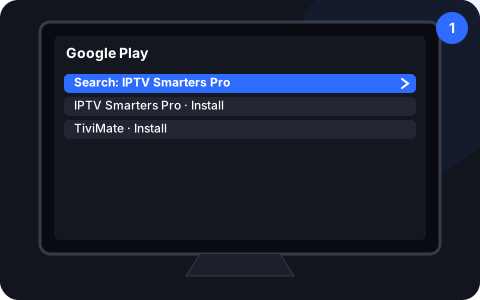
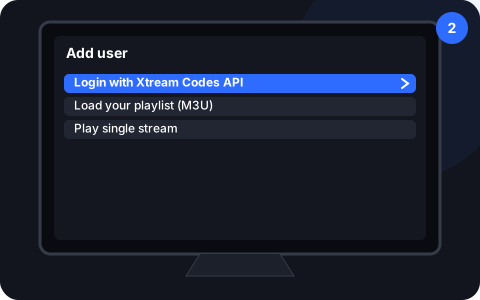
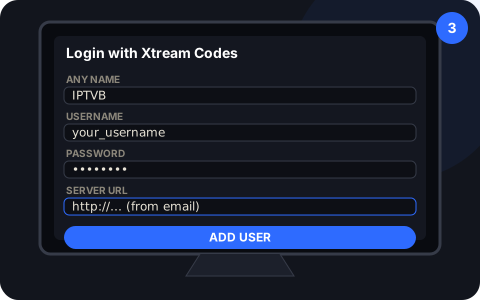
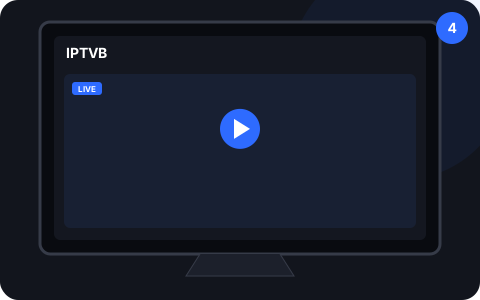
How do you set up IPTV on your TV, stick, phone or computer?
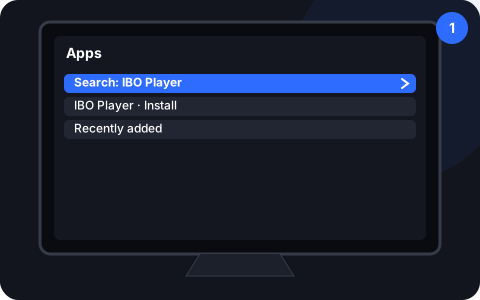
Choose your device for the exact steps. Most setups take about 10 minutes, and a Roku TV works with a Fire TV or Google TV stick plugged in.
Last reviewed:
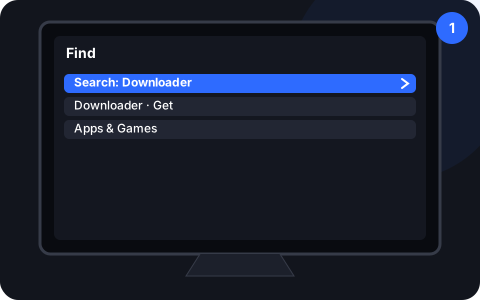
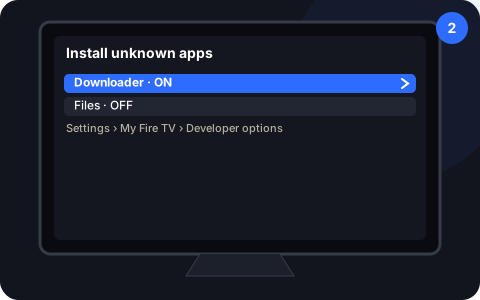
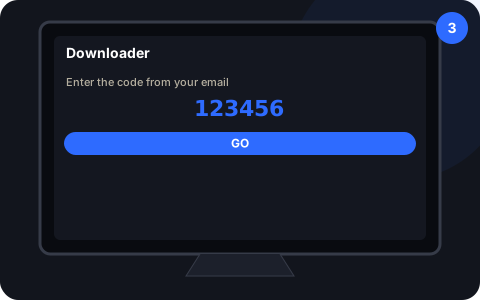
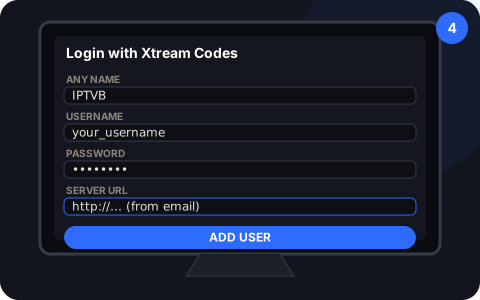
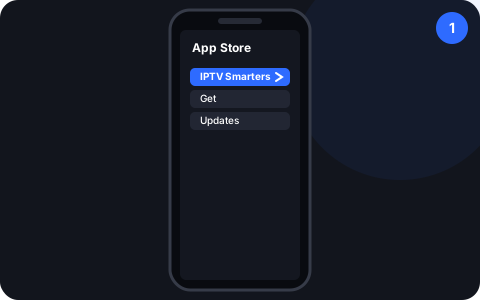
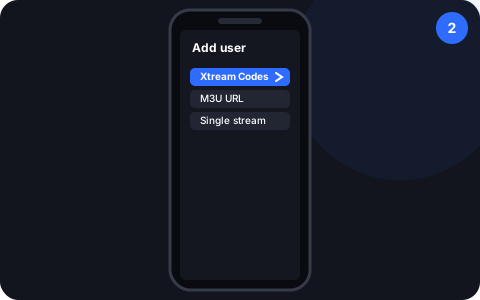
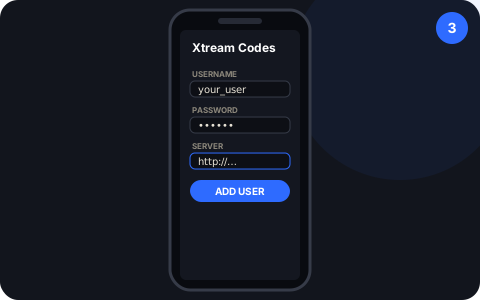
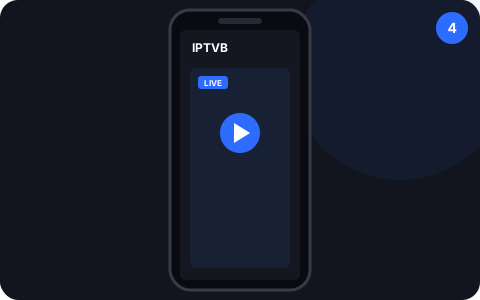
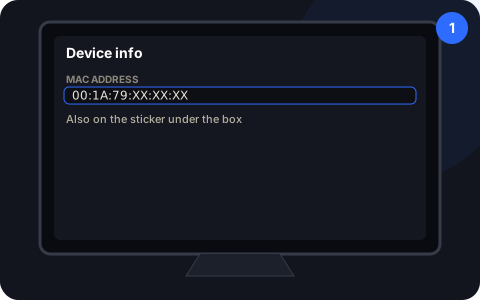
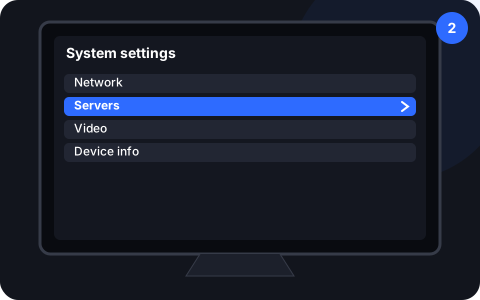
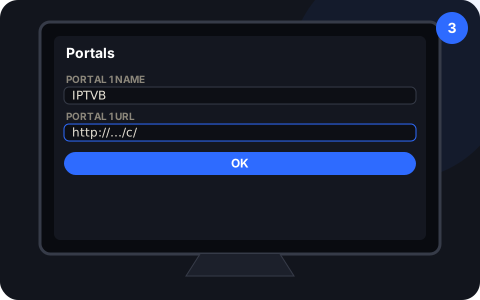
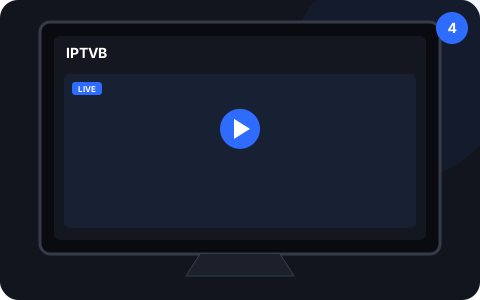
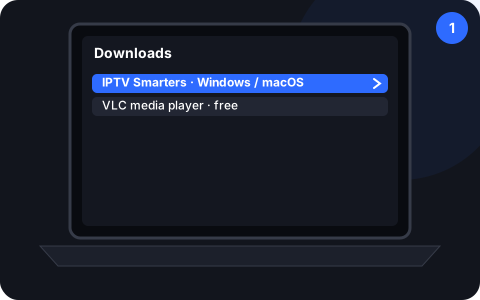
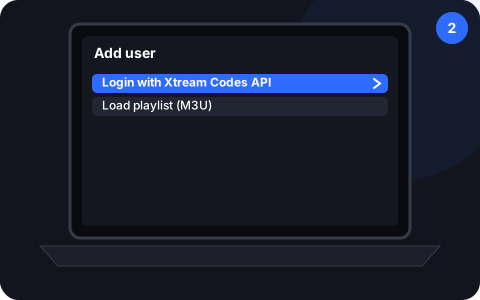
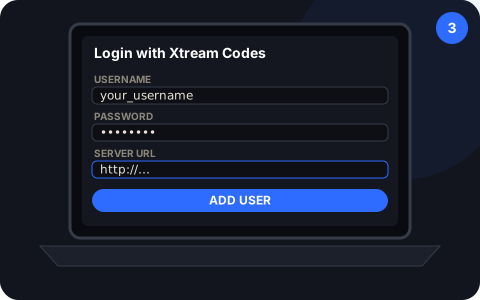
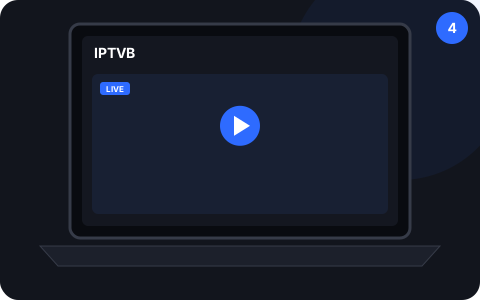
What you need first
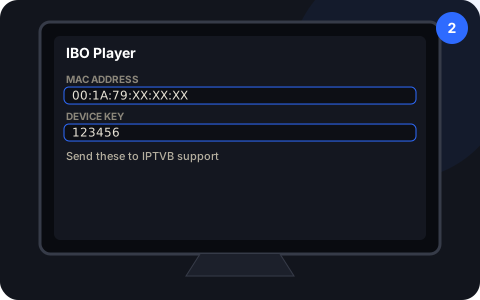
- The login we send you by email or WhatsApp
- About 10 Mbps per screen for HD, 25 for 4K
- Around 10 minutes and your TV remote
Stuck on a step?
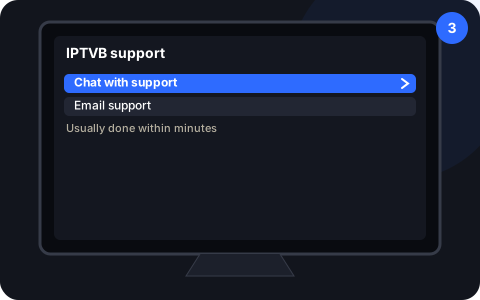
Message us on WhatsApp or by email and we’ll walk you through it, 24/7, in English or Spanish.
Contact supportSources
- Use apps on your Samsung Smart TV and projector – Samsung US
- How to screen mirror from your phone, tablet, or computer to your Roku streaming device – Roku Support
- Vega OS – Amazon Developer
- Turn on Match Dynamic Range or Match Frame Rate on your Apple TV – Apple Support
- MAG set-top box documentation – Infomir Wiki
- Open Media: Open Network Stream – VideoLAN Wiki
- Netflix-recommended internet speeds – Netflix Help Center
- The settings menus of each device. Menu names can change after software updates; if a label differs, pick the closest one or ask our support team.
Drop the cable bill, keep the TV you love
Try IPTVB free for 24 hours, or pick a plan today. Your login arrives by email or WhatsApp.