Setup guide
Can you watch IPTV on a Roku TV?
By the IPTVB team · Last reviewed:
- About 10 minutes
- Easy
- Roku TVs and players
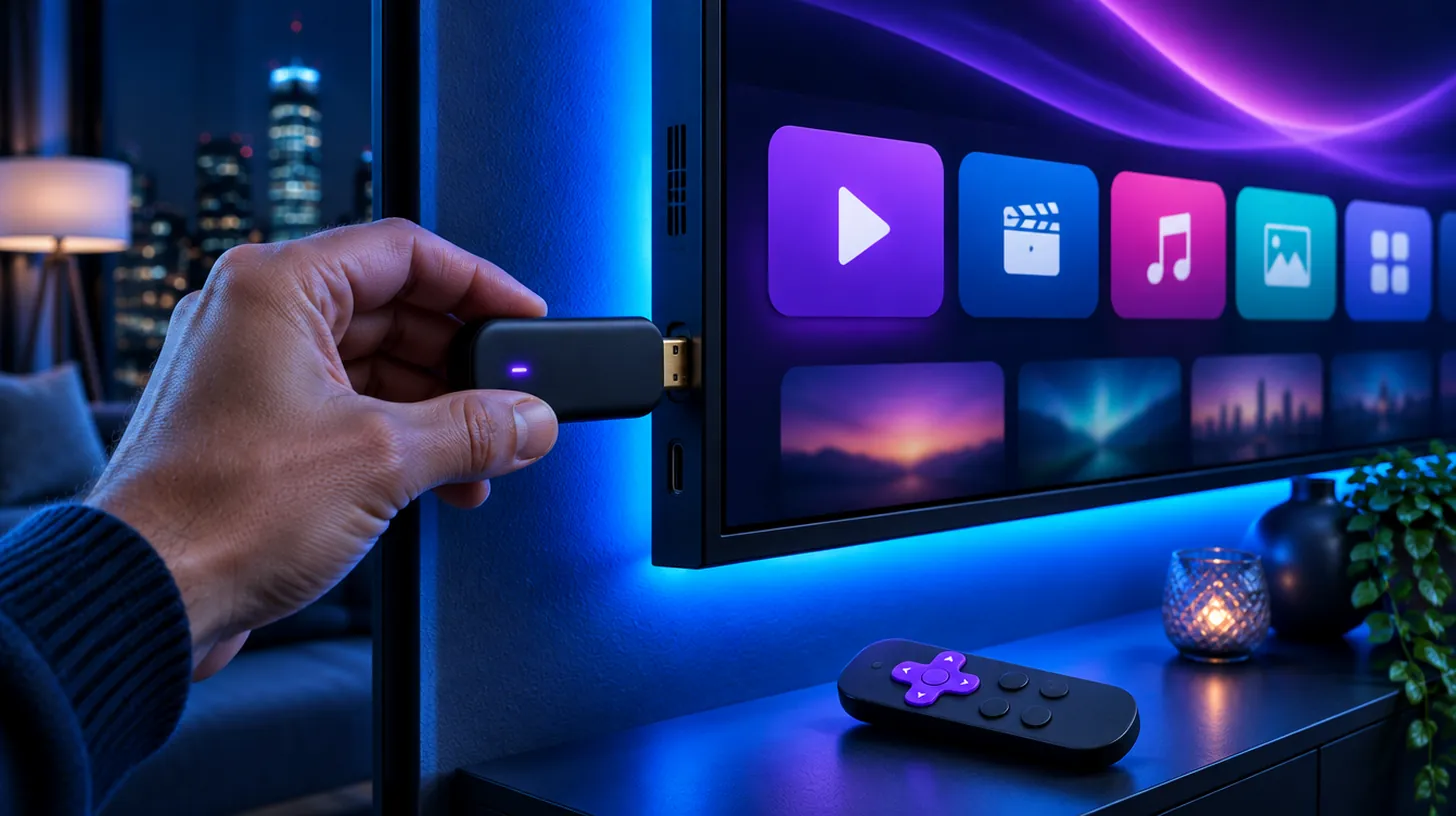
Not with a Roku app: the players IPTVB supports aren’t in the Roku Channel Store. The reliable fix is to plug a Fire TV Stick or Google TV streamer into a spare HDMI port on the Roku TV and install TiviMate or IPTV Smarters Pro there, about 10 minutes of work. For a quick test, Roku can mirror the screen of an Android phone or Windows PC, but the picture is softer and the phone must stay on.
At a glance
| Roku app for IPTVB | None of the players we support |
|---|---|
| Everyday option | Fire TV Stick or Google TV streamer in an HDMI port |
| Test option | Screen mirroring from Android or Windows; AirPlay from Apple devices on compatible 4K Roku players |
| Setup time | About 10 minutes with a stick |
| Speed per screen | About 10 Mbps for HD, 25 Mbps for 4K |
The players IPTVB supports (TiviMate, IPTV Smarters Pro, IBO Player) aren’t available for Roku. Roku owners use one of the two routes below.
Why is there no IPTV player on Roku?
Roku uses its own operating system and only installs apps from its Channel Store. The players that work with IPTVB are built for Android TV, Fire TV, Apple devices and Samsung or LG TVs, so on a Roku TV the simplest answer is a small stick that runs them.
Option 1: can you plug a streaming stick into a Roku TV?
Yes. Every Roku TV has HDMI inputs like any other TV. A Fire TV Stick or Google TV streamer in one of them gives you TiviMate or IPTV Smarters Pro, while Roku keeps its own apps on the other input.
Setup follows our Fire TV guide or Android TV guide. On a 4K Roku TV, pick a 4K stick, and avoid Vega OS Fire TV models, which can’t install outside apps; IPTV box compares devices.
Option 2: can you mirror your phone or PC to a Roku?
Roku supports screen mirroring from many Android phones and Windows PCs, and AirPlay from Apple devices on compatible 4K Roku players. The whole screen appears on the TV.
It’s fine to test a channel or watch one game, but the phone or PC has to stay awake, you control everything from it, and the picture is usually less sharp than with a stick.
Stick or mirroring: which should you use?
| Streaming stick | Screen mirroring | |
|---|---|---|
| Picture | Full HD or 4K, like any app | Softer, depends on the phone and Wi-Fi |
| Control | The stick’s own remote | Your phone or PC |
| Phone stays on? | No | Yes, all the time |
| Apple devices | Not needed | AirPlay on compatible 4K Roku players |
| Good for | Watching every day | A quick test |
How do you watch IPTVB on a Roku TV with a streaming stick?
- Connect a Fire TV Stick (Fire OS model) or Google TV streamer to a free HDMI port and to power.
- Press Home on the Roku remote and select that HDMI input.
- Complete the stick’s setup and join your Wi-Fi, ideally the 5 GHz band.
- Install TiviMate or IPTV Smarters Pro, following our TiviMate guide or IPTV Smarters Pro guide.
- Sign in with the login from your IPTVB welcome message and start watching.
What else do people ask about IPTV on Roku?
Does IPTV work on a Roku TV?
Yes, in two ways: plug a Fire TV Stick or Google TV streamer into an HDMI port, or mirror your phone or PC to the Roku. Both are explained above.
Does Roku have an IPTV app?
Not one we support. TiviMate and IPTV Smarters aren’t made for Roku, so the reliable way is a streaming stick in a free HDMI port.
Can I mirror from an iPhone to my Roku?
Roku’s screen mirroring is for Android and Windows. Apple devices can use AirPlay on compatible 4K Roku players.
Which stick works best with a Roku TV?
A Fire OS Fire TV Stick or a Google TV streamer; choose a 4K model for a 4K TV.
Can I test before buying a stick?
Yes. Start the free 24-hour trial on your phone or by mirroring, then add a stick for everyday viewing.
Sources: How to screen mirror from your phone, tablet, or computer to your Roku streaming device – Roku Support. App availability checked in November 2026; it can change.
Keep reading
Drop the cable bill, keep the TV you love
Try IPTVB free for 24 hours, or pick a plan today. Your login arrives by email or WhatsApp.