App guide
How do you set up TiviMate for IPTV?
By the IPTVB team · Last reviewed:
- About 10 minutes
- Easy
- Android TV and Fire TV
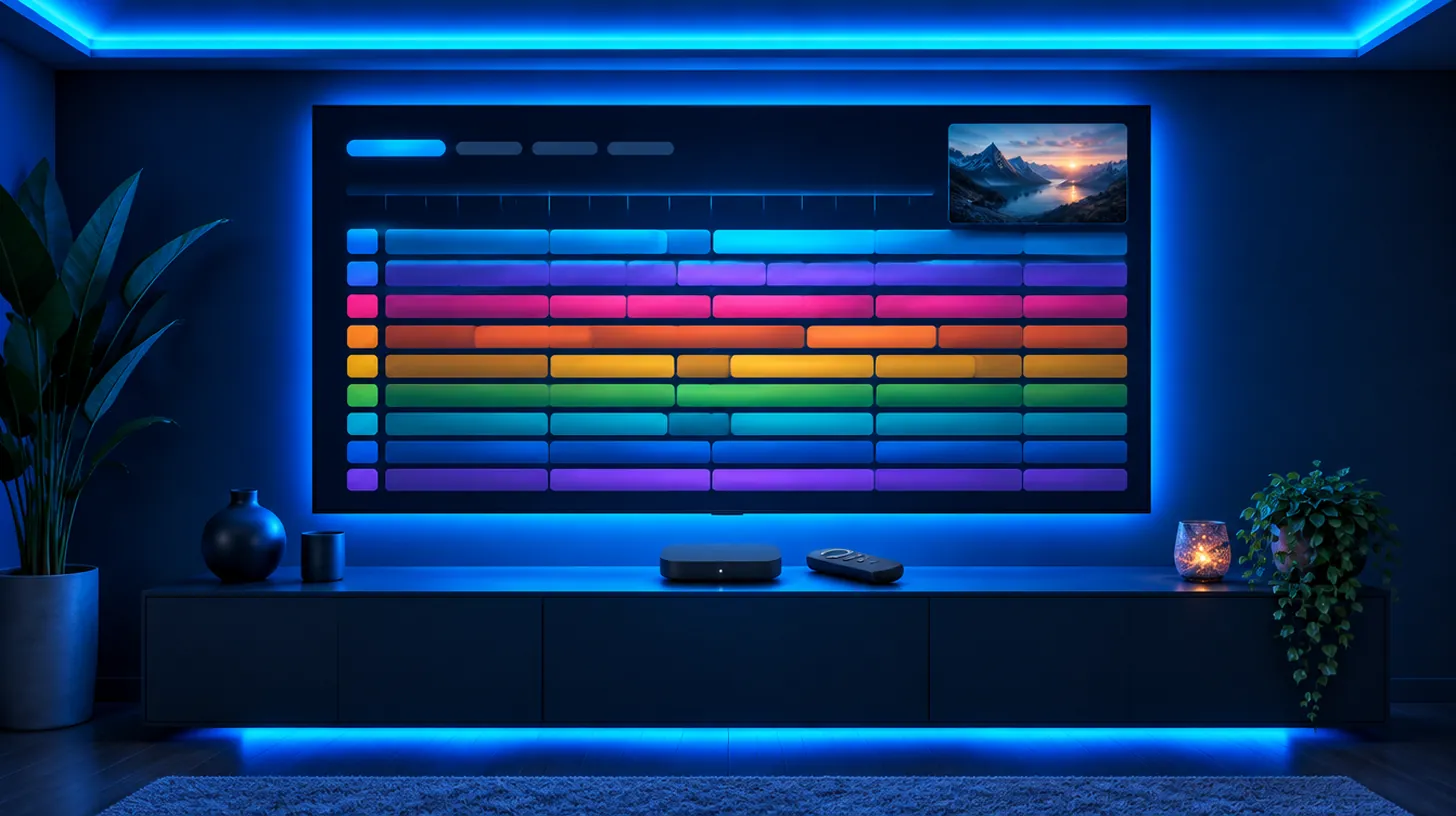
TiviMate is a player for Fire TV, Google TV and Android TV that lays live channels out in a full-screen guide, much like a cable box. It holds no channels itself: choose Add playlist, then Xtream Codes, and type the server address, username and password IPTVB sends you. The free tier is enough to watch; Premium is an optional upgrade sold by its developer.
At a glance
| What it is | A player with a cable-style guide; channels come from your subscription |
|---|---|
| Runs on | Fire TV (Fire OS), Google TV and Android TV sets and boxes |
| Doesn’t run on | iPhone, iPad, Apple TV, Samsung and LG TVs, computers, Vega OS Fire TV sticks |
| Login | Xtream Codes (or an M3U link) |
| Premium | Optional, paid to the developer, not needed for IPTVB |
Why do people choose TiviMate for the living-room TV?
TiviMate is designed around a remote, not a touchscreen. The guide fills the screen, you scroll channels and times like on cable, and switching is quick. For a household that mostly watches on one big TV, that familiarity is the main draw.
Because it only runs on Android-based TVs and sticks, families who also watch on iPhones or laptops often pair it with IPTV Smarters on those devices; see our IPTV Smarters Pro guide.
What does TiviMate Premium add, and do you need it?
The free tier plays live TV with the full guide, and that covers everything in your IPTVB plan. Premium is a subscription from TiviMate’s developer, not from IPTVB, and adds extras such as several playlists, favorites management and recording on devices that support it.
What is the TiviMate Companion app for?
Companion is a separate Android phone app from the same developer. As of November 2026 it is where you buy and manage Premium, then sign in on the TV to unlock it. If you stay on the free tier, you can ignore it.
How do you install TiviMate on a Firestick?
On Google TV and Android TV, TiviMate is in Google Play. Amazon’s Appstore doesn’t list it, so on a Fire OS stick you add it with Downloader, as shown in our Fire TV guide; Vega OS sticks can’t install it at all. Stick to Google Play or the developer’s own link and avoid “modded” copies.
What if TiviMate doesn’t work?
| What you see | Usual reason | What to try |
|---|---|---|
| Authorization failed, or an empty list | A typo in the login | Retype the server address, username and password by hand; capitals matter |
| Channels but a blank guide | The guide hasn’t finished syncing | Wait a few minutes, then update the guide under Settings › Playlists |
| No movies or series | The playlist was added as M3U | Remove it and add it again as Xtream Codes |
| Choppy video on some channels | Decoder mismatch | Under Settings › Playback, switch between hardware and software decoding |
| Freezes in the evening | Busy home Wi-Fi | Use a cable or 5 GHz, then our buffering fixes |
| A numbered error | Depends on the code | Look it up in our IPTV error codes guide |
Which 5 steps set up TiviMate?
- Get TiviMate from Google Play (Google TV, Android TV) or through Downloader (Fire OS stick).
- Launch it and select Add playlist, then Xtream Codes.
- Fill in the server address, username and password exactly as in your IPTVB message, then Next.
- Call the playlist IPTVB and select Done; allow a minute for channels and the guide to load.
- Press OK on a channel to watch, and hold OK to add it to Favorites.
What else do people ask about TiviMate?
What is TiviMate?
An IPTV player app for Fire TV, Google TV and Android TV, made by an independent developer. It shows live channels in a cable-style guide but includes no channels: you sign in with a login from a provider such as IPTVB.
Is TiviMate free?
The free tier costs nothing and plays live TV with the full guide; Premium is an optional upgrade from the developer. Neither comes with channels; IPTVB includes a free 24-hour trial.
Can I use TiviMate on an iPhone or a Samsung TV?
No. It runs only on Fire OS, Google TV and Android TV. Use IPTV Smarters on Apple devices and IBO Player on Samsung or LG TVs.
Is Premium required for IPTVB?
No. Everything in your plan plays on the free tier.
TiviMate or IPTV Smarters?
TiviMate for a cable-style guide on the main TV, IPTV Smarters for one app across every device; compare them on IPTV apps.
Is TiviMate legal?
Yes. It’s a media player; what matters is the service you connect it to, as explained on what is IPTV.
Why is TiviMate not working?
Usually it is the login, the connection or an old app version, not TiviMate itself. Check that another channel plays, restart the device, update the app, then enter your login again; the error codes guide explains each message.
Is TiviMate on Roku?
No. TiviMate runs only on Android-based devices. On a Roku TV, plug in a Fire TV Stick or a Google TV streamer, as shown in IPTV on Roku.
Sources: TiviMate’s listing on Google Play and its settings menus. Menus checked in November 2026; app updates can rename them, so pick the closest label or ask our support team.
Keep reading
Drop the cable bill, keep the TV you love
Try IPTVB free for 24 hours, or pick a plan today. Your login arrives by email or WhatsApp.