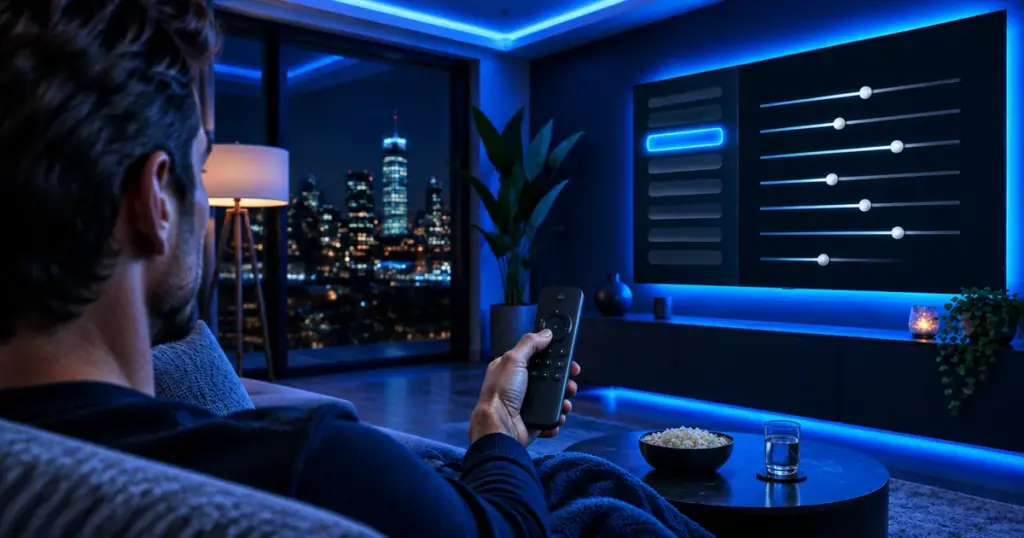
Short answer: check five settings. Use Movie or Filmmaker Mode instead of Vivid, turn motion smoothing off for films and low for sports, ease off energy saving, switch on the enhanced HDMI signal for a 4K stick, and fix any audio delay. Each takes under a minute, on Samsung, LG, Sony, TCL or Hisense TVs alike.
TVs leave the factory tuned to stand out on a bright showroom wall, not to look natural in your living room at night. These five adjustments take about five minutes together and help whether IPTV runs in a TV app or on a Fire TV Stick or Google TV device.
| Setting | Where it usually lives | What to pick |
|---|---|---|
| Picture mode | Settings › Picture › Picture mode | Movie, Cinema, Calibrated or Filmmaker Mode |
| Motion smoothing | Samsung: Picture Clarity; LG: TruMotion; Sony: Motionflow | Off for films and series, low for sports |
| Energy saving | Settings › General, Power or Eco | Low or Off when the image seems dim |
| Enhanced HDMI | Samsung: Input Signal Plus; LG: HDMI Ultra HD Deep Color | On for the port your 4K stick uses |
| Audio delay | Settings › Sound: Audio delay, AV sync or Lip sync | Adjust until voices match lips |
Which picture mode should you choose?
Vivid and Dynamic crank up brightness and color until shadows lose their detail. Movie, Cinema or Calibrated look much closer to what was filmed, and many recent sets add Filmmaker Mode, a UHD Alliance standard that switches off extra processing in one press. For a daytime game, Standard or Sports is fine; trust what looks natural to you.
Is motion smoothing worth turning on?
Motion smoothing invents frames between the real ones. On fast sports it can help, but on films and series it creates the glossy “soap opera effect” many viewers dislike. Keep it off for drama and movies, and try a low level for football or hockey.
Why does the picture look too dark?
Eco modes and ambient light sensors dim the panel to save power, which shows most in the evening. Set energy saving to Off or Low and check that brightness or backlight hasn’t been turned down.
How do you get 4K and HDR from a streaming stick?
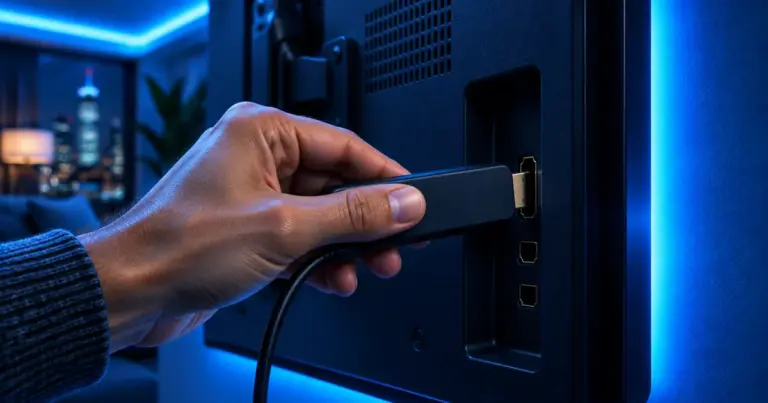
Plug the stick into an HDMI port labeled 4K or HDCP 2.2, then enable the enhanced signal for that port: Input Signal Plus on Samsung, HDMI Ultra HD Deep Color on LG. Some TVs otherwise limit that port to Full HD. Our HD, Full HD and 4K guide covers the rest.
How do you fix sound that runs ahead or behind?
Find Audio delay, AV sync or Lip sync in the sound menu and move it a few steps at a time. With a soundbar, set the delay in one place only, on the TV or on the soundbar. If a single channel is off, send us its name so we can check the stream.
Picture fixed but still freezing? That’s the network, not the TV; see Wi-Fi or Ethernet.
Settings are the same nationwide, but the connection behind the TV isn’t: a high-rise in New York and a brick row house in Philadelphia need different Wi-Fi fixes. Our city pages cover both.
Frequently asked questions
What is Filmmaker Mode?
A UHD Alliance picture mode that switches off extra processing such as motion smoothing, so films look as they were shot.
Is motion smoothing always bad?
No. Many viewers like it for sports; most find it makes films and series look artificial.
Do these settings improve the stream itself?
No. They change how the TV displays the picture; stream quality depends on your connection and device.
Do I need to set them for every app?
On many TVs, picture settings are saved per input or per app, so check the mode while the app you use is playing.
New TV? Start with our setup guides, then try IPTVB free for 24 hours.
Sources
- Filmmaker Mode – UHD Alliance
- The picture and sound menus of Samsung, LG and Sony TVs