Short answer: get a player app from the App Store or Google Play, sign in with the login IPTVB sends you, and choose a channel. Over cellular, drop the quality: Netflix puts HD at up to 3 GB per hour, and live IPTV at the same quality is in a similar range. Each phone streaming at the same time uses one screen of your plan.
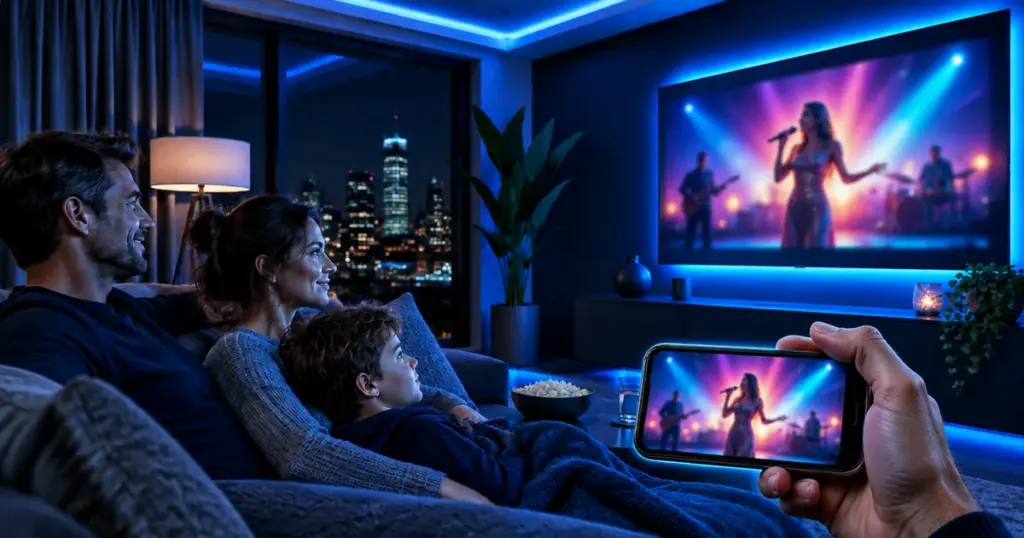
Your subscription follows you off the couch. The same live channels, movies and series play on an iPhone, an iPad or an Android phone, on home Wi-Fi or on the go, which makes a phone handy for the game you can’t miss during a commute.
Which app do I use on iPhone or Android?
Any player that accepts an Xtream Codes login will work. Be careful in the stores: the App Store and Google Play list several apps with “Smarters” in the name from different publishers, and some charge their own subscription. Message us before installing and we’ll name the one to use. Our IPTV player apps guide compares them.
How do I set it up, step by step?
- Install the player we recommend from the App Store (iPhone, iPad) or Google Play (Android).
- Open it and pick the Xtream Codes login, sometimes labeled Xtream Codes API.
- Copy in your username, password and server address exactly as in your IPTVB message.
- Give the app a minute the first time while it loads channels, movies and the guide.
- Tap Live TV, Movies or Series and press play.
How much mobile data does IPTV use?

| Quality | Data per hour | 1 GB lasts about |
|---|---|---|
| Standard definition | Up to 1 GB | 1 hour |
| HD | Up to 3 GB | 20 minutes |
| 4K | Up to 7 GB | 9 minutes |
How do I save mobile data?
- Stream on Wi-Fi whenever you can, and pick the 5 GHz network at home.
- On cellular, choose a lower quality in the player, if it offers the setting.
- Set a data warning in your phone’s settings and check your carrier plan’s limit.
- Close the player when you’re done, since some apps keep streaming in the background.
Can I watch on my phone and my TV at the same time?
Yes, as long as your plan has enough screens. A TV plus a phone needs a 2-screen plan; IPTVB plans go from 1 to 5 screens, all listed on our pricing page.
Setting up the TV as well? Our setup guides cover smart TVs, Fire TV, Google TV, Apple TV and computers.
Data caps aren’t only a cellular issue: many US home internet plans have a monthly cap too, especially satellite, fixed-wireless and rural plans in places like Anchorage. Check yours before streaming HD every evening.
Frequently asked questions
Can my phone and my TV play at once?
Yes, with a plan of 2 screens or more; every device streaming at the same time counts as one screen.
How much data does an hour of IPTV use?
Up to about 1 GB per hour in standard definition and up to 3 GB per hour in HD, based on Netflix’s published figures for the same quality.
Why does the stream stall on cellular?
Mobile speeds change as you move and in crowded places. Lower the quality or switch to Wi-Fi.
Does the free trial work on a phone?
Yes. The trial covers 1 screen, and that screen can be your phone.
Which phones are supported?
iPhones and iPads, plus Android phones and tablets, using a player from their app store.
Which player should I download?
Ask us first: several App Store and Google Play apps share similar names and some charge their own fees. We’ll point you to the one that works with your IPTVB login.
Want to try IPTVB on your phone first? Start your free 24-hour trial.