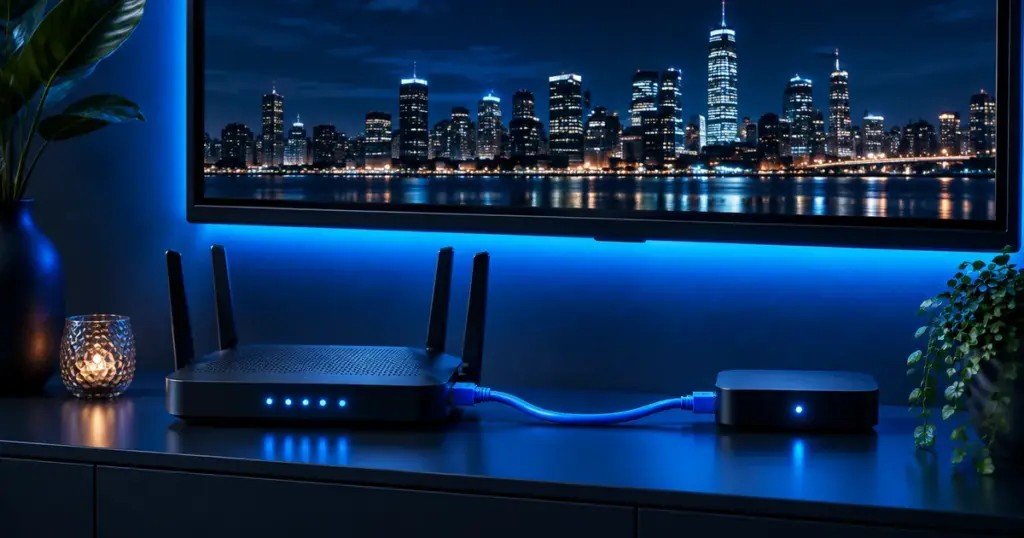
Short answer: a cable from the router to the TV or streaming box is the steadiest link for IPTV, above all for 4K and live sports. When a cable can’t reach, use the 5 GHz band with the router in the open nearby, add a mesh unit in the TV room, or try powerline adapters as a middle ground.
Freezing, sudden blur and quality drops rarely mean your internet plan is too slow. Far more often the weak spot is the last stretch between the router and the TV. Here is how the options compare, so you can choose one that fits your home.
Is Ethernet better than Wi-Fi for IPTV?
Yes, wherever a cable can run. A wired link holds the same speed all evening, unaffected by walls, microwaves or the neighbors’ routers. Wi-Fi shares the airwaves with every nearby device and network, so its speed shifts minute to minute, and live TV is the first thing to show it.
| Connection | Steadiness | Good for | Keep in mind |
|---|---|---|---|
| Ethernet cable | Rock steady | The main TV, 4K, live sports | Needs a cable run; Fire TV Sticks need Amazon’s adapter |
| 5 GHz Wi-Fi | Good near the router | HD and 4K a room or two away | Fades through walls and floors |
| Powerline adapters | Usually steady | Rooms out of a cable’s reach | Depends on the home’s wiring |
| Mesh Wi-Fi | Good with a unit by the TV | Large homes, several floors | Each wireless hop can cost speed |
| 2.4 GHz Wi-Fi | Up and down | Phones and far-off devices | Busy and slow, skip it for 4K |
How fast does the link to the TV need to be?
Test on the TV, not on a phone beside the router. We plan about 10 Mbps for HD, 15 Mbps for Full HD and 25 Mbps for 4K, for each screen that watches at the same time; HD, Full HD and 4K explains why live TV needs more than on-demand apps.
How do you get stronger Wi-Fi to the TV?
- Lift the router off the floor and out of cabinets, as central and as high as you can.
- Connect the TV or stick to the 5 GHz network, usually the name ending in “5G”; fall back to 2.4 GHz only where 5 GHz can’t reach.
- Restart the router now and then, and accept its updates.
- Pause background downloads such as console updates and cloud backups while you watch.
- If your router is several years old, ask your provider about a Wi-Fi 6 model, built to handle many devices at once.
What are powerline adapters and mesh Wi-Fi?
Powerline adapters send the internet through your electrical wiring: one adapter by the router, one by the TV, with a short cable to the TV or box. Results depend on the wiring, so buy from a store with easy returns.
Mesh Wi-Fi spreads two or more units around the home. Place one in the TV room and, if it has an Ethernet port, cable the TV or box to it.
How do you wire a Fire TV Stick or a smart TV?
- Smart TVs from Samsung, LG, Sony, TCL and Hisense, and most Google TV and Android TV boxes, have an Ethernet port: plug in the cable and choose Wired in the network settings.
- Fire TV Sticks have no port, but Amazon sells an Ethernet adapter for them; see our Fire TV Stick guide.
- Apple TV 4K comes in two versions, and only the Wi-Fi + Ethernet one has the port.
Still buffering on a cable? The cause is elsewhere: work through our buffering fixes in order.
High-rises in New York, Chicago and Miami have the busiest evening Wi-Fi, and brick row houses in Philadelphia or Baltimore have thick walls; in both, a cable to the TV pays off most. More local tips are on our city pages.
Frequently asked questions
Is Ethernet faster than Wi-Fi?
Not always faster, but far steadier, and steady speed is what live TV needs most.
Which Ethernet cable works for IPTV?
A Cat 5e or Cat 6 cable handles IPTV, 4K included.
Do Wi-Fi extenders help?
Sometimes, but a basic extender can halve the speed it repeats; mesh units or powerline adapters usually do better for a TV.
Can I watch 4K over Wi-Fi?
Yes, on a strong 5 GHz signal with about 25 Mbps measured at the TV. For 4K sports, plug in a cable if you can.
Test on your own network first: try IPTVB free for 24 hours.